
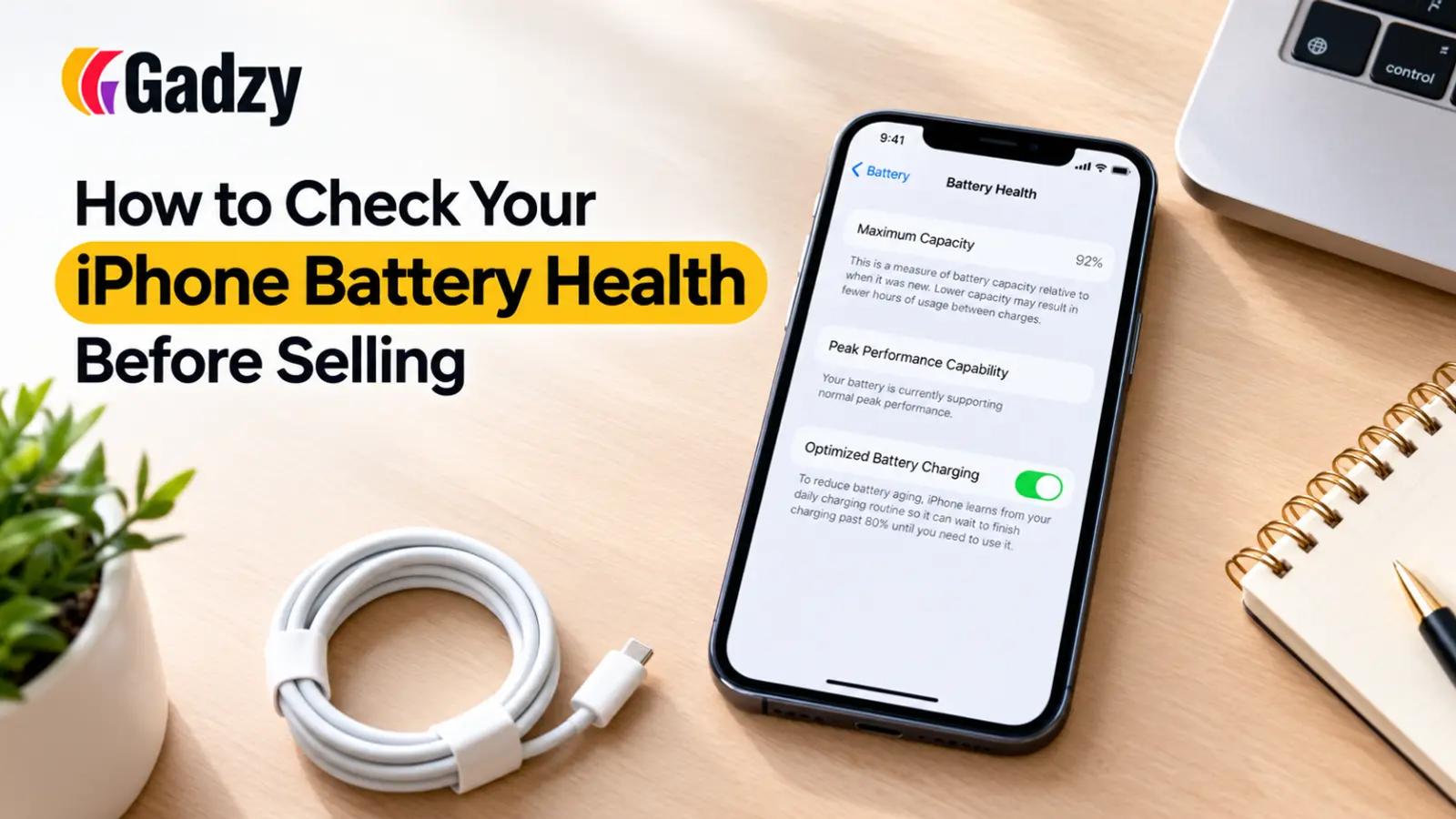
How to Check Your iPhone Battery Health Before Selling
If you're planning to sell your iPhone, battery health is one of the first things buyers check — and it can make a bigger difference to your resale price than you might expect. A phone with a healthy battery feels like new, while one with a degraded battery raises red flags, even if everything else about the device is in great shape. Here's a simple, practical guide to checking your iPhone's battery health before you list it for sale.
Why Battery Health Matters So Much
Unlike scratches or minor cosmetic wear, battery health directly affects how usable a phone is day to day. A battery that's degraded below 80% capacity means shorter screen time, unexpected shutdowns, and slower performance during peak usage. Buyers know this, and most experienced resale platforms and private buyers will ask for your battery health percentage before making an offer. Being upfront and accurate about it builds trust and helps you get a fair price without back-and-forth negotiation.
Step 1: Open the Battery Health Menu
Checking your iPhone's battery health takes less than a minute:
- Go to Settings.
- Tap Battery.
- Tap Battery Health & Charging.
- You'll see a percentage under Maximum Capacity.
This number tells you how much battery capacity remains compared to when the phone was new. A brand-new iPhone starts at 100%, and this number naturally decreases over time with regular charging cycles.
Step 2: Understand What the Percentage Means
- 90-100%: Excellent condition. This is considered as-good-as-new for resale purposes.
- 80-89%: Good condition. Still functions well, and most buyers will accept this without much concern.
- Below 80%: Apple itself flags this as "significantly degraded." You'll likely see a battery health warning on the device, and it may affect your resale price.
If your battery health is below 80%, it doesn't mean your phone is unsellable — it just means you should factor a replacement battery into your pricing expectations, or disclose it clearly to avoid disputes after the sale.
Step 3: Check for Battery-Related Warnings
While you're in the Battery Health menu, look out for messages like "Peak Performance Capability" warnings, which indicate the battery can no longer reliably support peak power demands. This is a signal that iOS has already throttled performance to preserve battery life — something buyers will want to know before purchasing.
Step 4: Check Cycle Count (Advanced Option)
For a more detailed picture, third-party diagnostic apps or Apple's official service channels can show your battery's charge cycle count. One cycle equals a full charge from 0% to 100%, whether done in one go or across multiple sessions. Most iPhone batteries are rated for around 500 full charge cycles before noticeable degradation begins, so a lower cycle count generally signals a healthier battery.
Step 5: Decide Whether to Replace the Battery Before Selling
If your battery health is significantly low, getting it replaced through an authorized service provider can sometimes boost your resale value more than the cost of the replacement itself — especially for higher-end iPhone models. It's worth comparing the repair cost against the price difference a healthy battery could fetch before deciding.
Step 6: Be Transparent When Listing Your Phone
Always mention your battery health percentage clearly in your listing or when getting a valuation. Trusted resale platforms use this information, along with your phone's model, storage, and overall condition, to give you an accurate, fair quote — so hiding or guessing this number usually ends up working against you.
Final Thoughts
Battery health is a small detail that has an outsized impact on your iPhone's resale value. Taking two minutes to check it before listing your phone ensures you set the right price expectations and avoid disputes with buyers later. A quick, honest check today can mean a smoother sale and a better payout tomorrow.
Frequently Asked Questions
1. What is considered a good battery health percentage when selling an iPhone? Anything above 85-90% is considered excellent and shouldn't affect your resale price much. Between 80-85% is still acceptable, while anything below 80% may lead buyers to negotiate a lower price or expect a battery replacement.
2. Does Apple show a warning if my battery health is too low? Yes. If your battery health drops significantly, iOS displays a "Peak Performance Capability" notice in the Battery Health menu, indicating the battery can no longer reliably support full performance demands.
3. Should I replace my iPhone battery before selling it? It depends on the cost versus the potential price increase. For higher-end models, a battery replacement often pays for itself through a better resale offer, while for older or budget models, it may not be worth the investment.