Sell Mobile UAE: The Complete Guide to Selling Your Phone Safely in 2026
The safest way to sell mobile UAE-wide is to back up your data, sign out of your accounts, factory reset the phone, get a condition-based quote from a verified platform, and confirm payment before handing the device over. Most sales can be completed within one to two days when you follow these steps.
Whether you're upgrading, switching brands, or clearing out unused devices, your old phone still has real value. This guide explains how the process works, what affects your price, and how to avoid common mistakes.
How Do I Sell My Mobile Phone in the UAE?
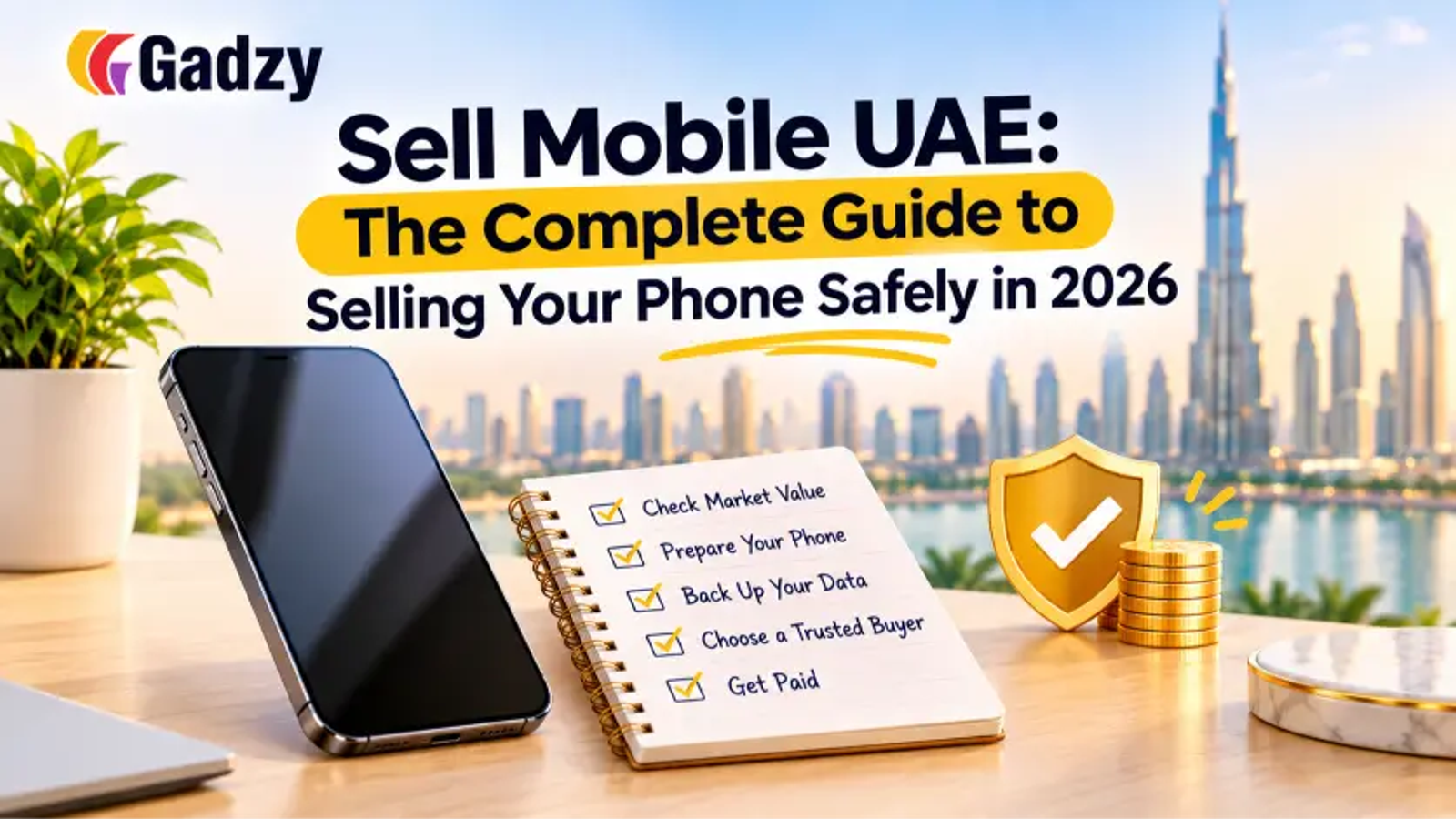
Selling a phone in the UAE follows a simple sequence:
- Check your phone's details: model, storage, condition, and battery health.
- Back up your data to the cloud or a computer.
- Sign out of your accounts (Apple ID or Google) and turn off Find My iPhone if applicable.
- Factory reset the device and remove your SIM and memory card.
- Get a quote from a trusted buyer or resale platform.
- Hand over the phone and confirm real payment before it leaves your hands.
Following this order protects your privacy and prevents the most common sale problems, such as activation locks.
What Affects the Price of a Used Phone?
Buyers in the UAE usually judge a phone on five factors:
- Model and age: Newer flagships hold value best.
- Storage size: Higher storage typically earns a higher price.
- Physical condition: Cracks, dents, and deep scratches lower offers.
- Battery health: Below 80% often reduces the quote.
- Lock and IMEI status: The phone must be unlocked and not blacklisted.
Original accessories and a purchase invoice can add a small boost, but condition and battery health matter far more.
How Do I Sell iPhone in Dubai?
iPhones are among the easiest phones to resell because demand stays strong year-round. If you want to sell iPhone in Dubai, follow the general steps above and add these iPhone-specific checks:
- Turn off Find My iPhone and sign out of your Apple ID before resetting.
- Check battery health under Settings, Battery, then Battery Health & Charging.
- Remove any eSIM profiles along with your physical SIM.
- Confirm the phone is not tied to a carrier lock or financing plan.
An iPhone still linked to an Apple ID cannot be activated by the next owner, which is the most common reason iPhone sales get delayed or cancelled.
Is It Better to Sell iPhone UAE-Wide Online or in a Shop?
Both options work, but they suit different needs.
- Phone shop: Very fast and generally safe, but offers are often lower.
- Classified listing: Slower, with potentially higher prices, but a greater risk of scams.
- Social media group: Medium speed and varying prices, with higher safety risks.
- Online resale platform: Fast, with fair condition-based prices and verified, secure buyers.
If you want to sell iPhone UAE residents trust without meeting strangers, an online platform with verified buyers and doorstep pickup is usually the most balanced choice. Gadzy, for example, offers instant condition-based quotes and secure pickup across the UAE.
When Is the Best Time to Sell?
Phones lose the most value right after a new model launches, because buyers shift toward the latest release. Selling a few weeks before a major launch usually brings a better offer than waiting. If you've already upgraded, sell your old device quickly, since unused phones only depreciate.
What Are the Most Common Selling Mistakes?
- Overstating the condition, which leads to price cuts at inspection
- Forgetting to sign out of Apple ID or Google accounts
- Trusting payment screenshots instead of checking real funds
- Ignoring battery health
- Accepting the first offer without comparing options
How Can I Avoid Scams When Selling a Phone?
Scams usually follow predictable patterns. Be cautious if a buyer sends a fake bank transfer screenshot, asks you to refund an "accidental overpayment," requests a fee before buying, or pressures you to hand over the phone before funds clear. Always verify the money in your account first, and prefer verified platforms over anonymous listings.
Key Takeaways
- To sell mobile UAE-wide safely, prepare your data and accounts first.
- Condition, storage, and battery health drive your price.
- iPhones resell well, but they must be signed out of Apple ID.
- Verified platforms reduce scam and safety risks compared with shops, classifieds, and social media.
- Selling before a new model launch usually earns more.
Frequently Asked Questions
1. Can I sell a phone in the UAE without the original box?
Yes. The box is optional, though it may slightly raise your offer. Condition and battery health matter much more.
2. Can I sell a broken or damaged phone?
Yes. Many buyers accept damaged phones for repair or parts, though the price will be lower than for a working device.
3. How long does it take to sell a phone online in the UAE?
With a verified platform offering instant quotes and pickup, many sales are completed within a day or two. Private listings can take longer depending on buyer interest.
Is it safe to sell my phone online? It is safe when you use a verified platform, confirm payment before handover, and avoid sharing sensitive account details.
Final Thoughts
Selling your phone doesn't need to be complicated. Prepare your device, understand what drives its value, and choose a trustworthy route. Whether you want to sell mobile UAE-wide or sell iPhone in Dubai specifically, a few careful steps get you a fair price with far less stress.