
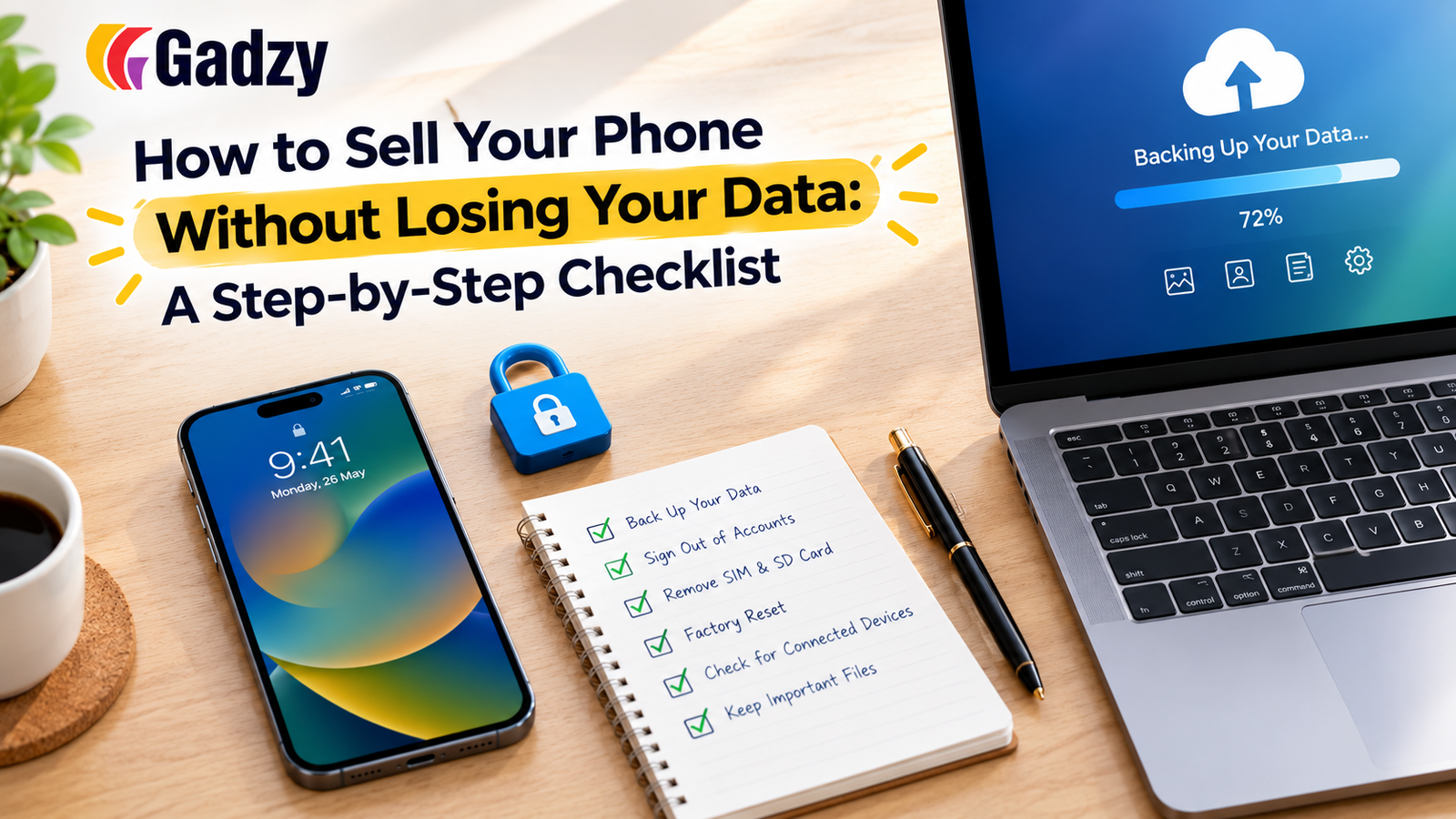
How to Sell Your Phone Without Losing Your Data: A Step-by-Step Checklist
Your phone holds years of photos, messages, contacts, banking apps, and personal files. Handing it to a stranger without preparing it properly can mean losing precious memories or, worse, exposing private information. The good news is that protecting your data takes less than an hour if you follow the right steps in the right order. Use this checklist before you sell phone online dubai or anywhere else.
Step 1: Back Up Everything You Want to Keep
Start by saving everything that matters. Once you wipe the phone, there's no going back, so be thorough.
- iPhone users: Back up using iCloud or connect to a computer and use Finder or iTunes. Check that the backup completed successfully by looking at the date and time in your settings.
- Android users: Use Google backup for contacts, calendar, and app data, and upload photos and videos to Google Photos or a computer.
- Don't forget the extras: Notes, voice memos, downloaded files, WhatsApp chats, and authenticator app data are often overlooked.
A quick tip: open your cloud storage on another device and confirm your photos and files are really there before moving on.
Step 2: Transfer Your Data to Your New Phone
If you're upgrading, move your data to the new phone before wiping the old one. Both Apple and Android offer built-in transfer tools that copy apps, settings, messages, and media. Confirm that everything you need has arrived on the new device before continuing.
Step 3: Move Your Two-Factor Authentication
This step catches many people out. If your old phone holds authenticator apps or SMS-based verification, make sure you transfer or reconfigure them first. Otherwise, you may lock yourself out of banking, email, or social media accounts. Move your authenticator apps to the new phone and update your security settings where needed.
Step 4: Sign Out of Your Accounts
Before wiping the phone, sign out of everything linked to you:
- Apple ID or iCloud on iPhones, including turning off Find My iPhone
- Google account on Android phones
- Samsung account or other manufacturer accounts
- Messaging apps, banking apps, and social media
Skipping this step can leave activation locks in place, which prevent the next owner from using the phone and may delay your sale.
Step 5: Remove Your SIM and Memory Card
Take out your SIM card and any microSD card before handing over the phone. These hold personal data and contact information that you don't want to leave behind. Double-check the SIM tray once removed, since people occasionally forget cards tucked in the slot.
Step 6: Perform a Factory Reset
Now you can wipe the device itself.
- On iPhone: Go to Settings, General, Transfer or Reset iPhone, then Erase All Content and Settings.
- On Android: Open Settings, find System or General Management, then choose Reset and select factory data reset.
Encryption is enabled by default on modern phones, so a factory reset makes your data very hard to recover. After the reset, the phone should show the welcome or setup screen, as if it were new.
Step 7: Verify the Phone Is Clean
After the reset, confirm the phone no longer shows your name, accounts, or Wi-Fi networks. Check that it isn't still linked to your Apple ID or Google account by visiting your account's device list from a computer. If your old phone still appears there, remove it manually.
Step 8: Choose a Secure Way to Sell
Even with a clean phone, you want a safe handover. Meeting strangers or shipping to unverified buyers adds unnecessary risk. Use a trusted platform with verified buyers, inspected devices, and secure payment. When you sell phone online dubai through a dedicated service, you avoid many of the scams and disputes common on informal classifieds.
Why a Trusted Platform Helps
A reliable platform gives you a clear process from valuation to payment, so you can focus on protecting your data instead of worrying about the sale. Gadzy offers instant, condition-based quotes and secure doorstep pickup across the UAE, which makes the final handover safe and simple once your phone is wiped.
Quick Final Checklist
- Backed up photos, files, and app data
- Transferred data and authenticators to the new phone
- Signed out of all accounts
- Removed SIM and memory card
- Factory reset completed
- Device removed from your account list
Final Thoughts
Selling your phone should never mean risking your privacy. Back up first, sign out of accounts, wipe the device, and verify everything before the handover. With these steps, you protect both your data and your payout.